
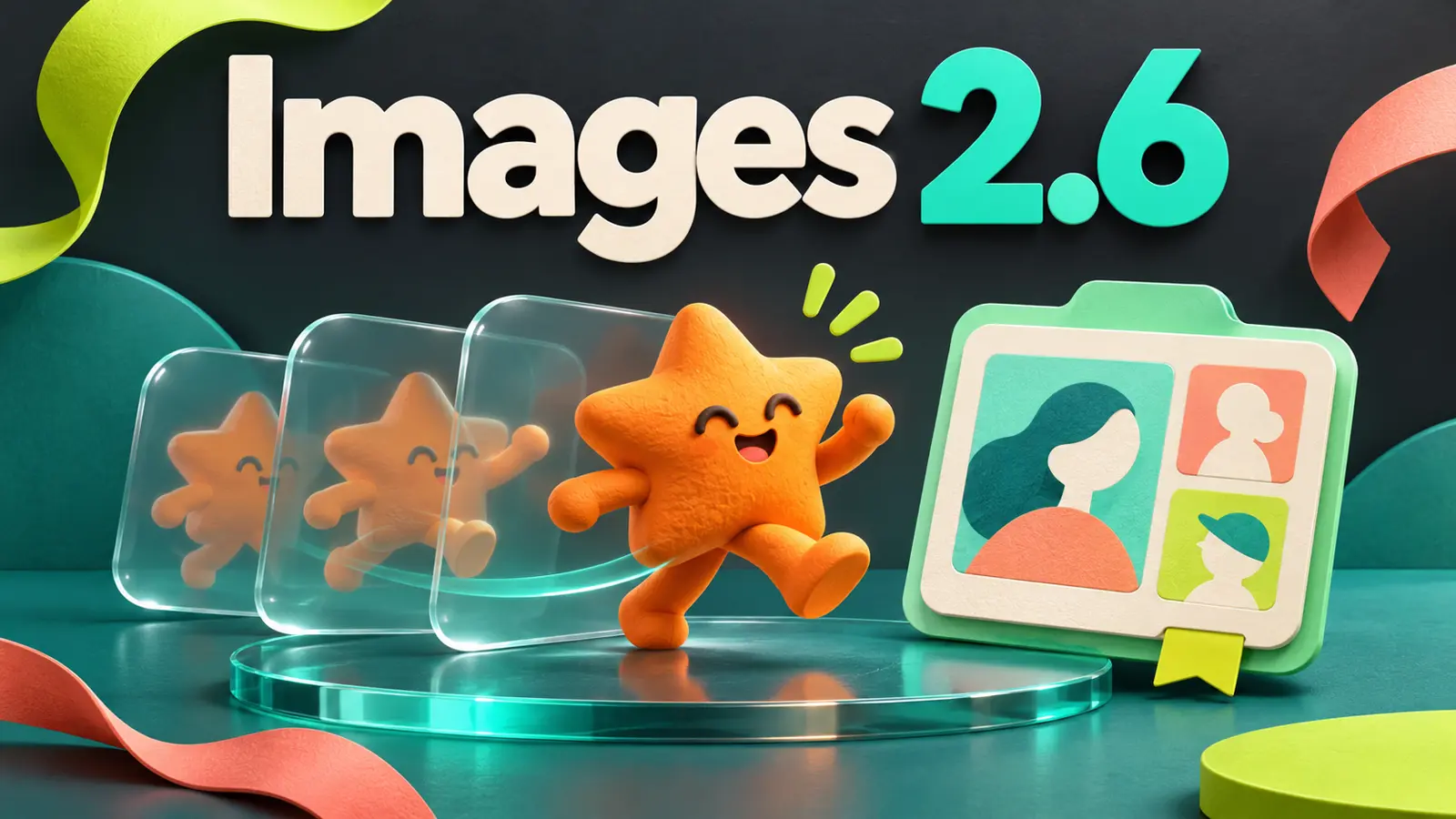
ChatGPT Images 2.6 began rolling out on November 4 with GIF creation and saved image references that can be reused in later conversations. For people making characters, campaign visuals or recurring content, these additions address a familiar problem: generating one good image is only the beginning. The work continues when that image needs to move or its subject needs to appear in another scene.
In its release announcement, OpenAI also promises faster generation and better detail preservation during edits. The company describes Images 2.6 as globally available in ChatGPT and Codex, while GIF creation is rolling out gradually. Access to the model does not establish that every new control has reached an account.
How GIF creation works in ChatGPT Images 2.6
The idea is to ask for a looping animation and describe what should move. You can also upload a still image and ask ChatGPT to animate it. A waving character, a rotating product or a short reaction can fit this format without requiring a complete video production.
The official ChatGPT Images guide says a generated GIF can be revised through instructions in the conversation. Opening it provides controls for playback speed, saving and sharing. There is a meaningful limitation: ChatGPT cannot yet edit an animated GIF uploaded by the user.
A visual example with AI-inspired characters
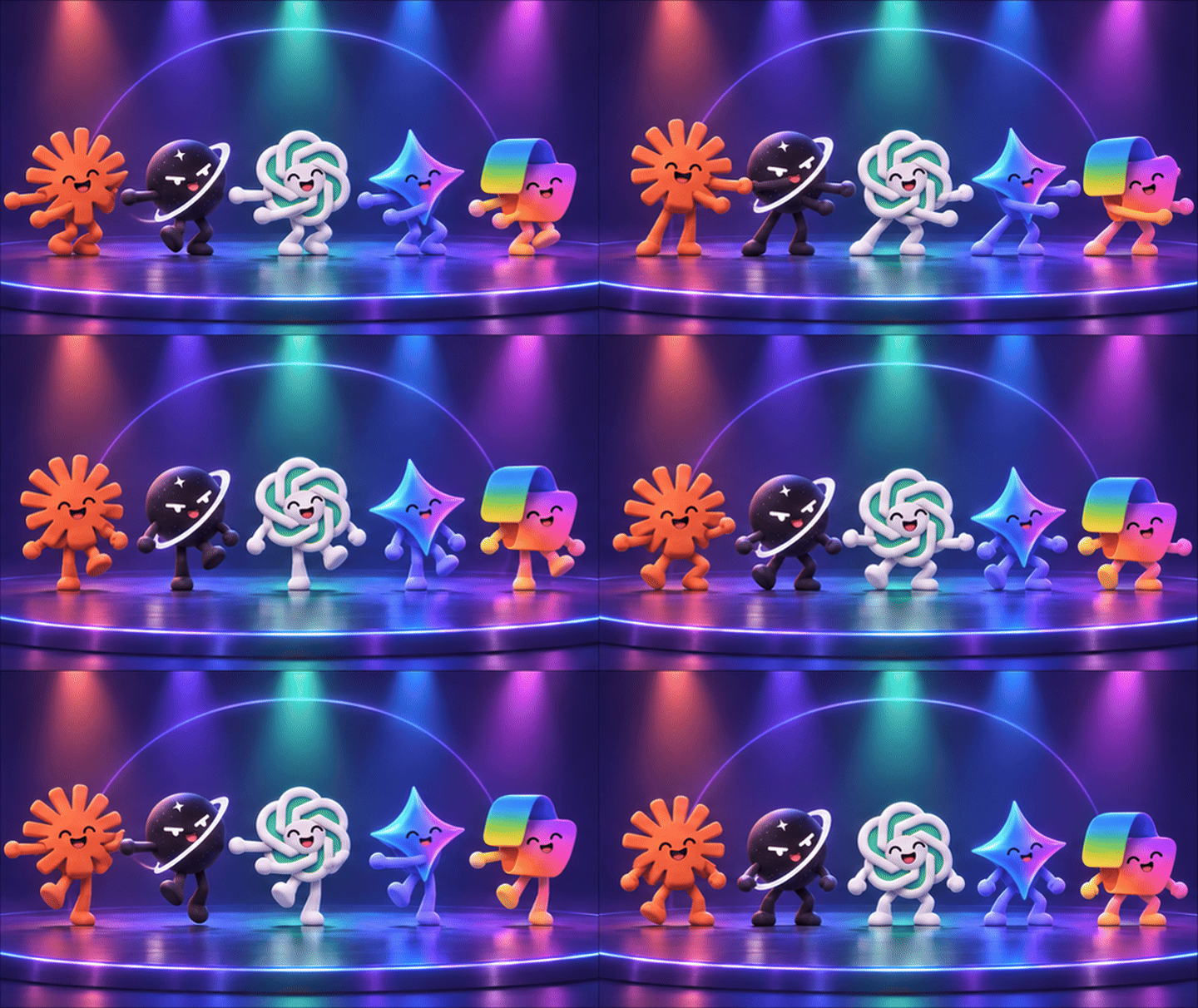
Illustrative example created in this MnzAI Labs session. The characters are unofficial interpretations of the brands' visual identities. The GIF was assembled from nine generated poses into a continuously looping 1.8-second sequence. It was not a native Images 2.6 GIF output or a comparative test of the new model.
That distinction is part of the result. The generator available in this session returned still images, so the animation required a separate assembly step. This illustrates a creative application, but does not demonstrate that native GIF generation is already available in every environment.
For your own prompt, describe the movement, the camera position and how the action returns to its beginning. “Make it dance” leaves many choices open. Asking it to sway from side to side, keep the camera still and end in the starting pose defines the intended loop more clearly.
Saved references: reuse an image in another chat
The November 4 release notes confirm a second addition: save a photo as a named reference, then invoke it with @Name in another conversation without uploading it again. The documented flow is to upload the image, ask ChatGPT to save it as a reference and choose a name.
This could help someone working with a recurring character or creating multiple visuals from a product photo. The addition is reuse across conversations, beyond attaching an image in the current chat. A reference reduces the work of carrying visual context forward. You still need to inspect faces, proportions and other important details in each new output.
Reusable references can reduce preparation. Approving the image still depends on what the model actually produced.
Speed, API additions and availability
OpenAI says Images 2.6 generates images 50% faster. In the API, it offers Flare for quick iteration and Sunburst for work requiring more detail and consistency. The announcement also covers SVG exports, GIFs, markup-guided editing and a complexity control separate from visual quality. These are supplier-described capabilities, without independent performance measurements in this article.
For ChatGPT, the guide lists Images on all tiers and Images with thinking on Plus, Pro and Business, with Enterprise and Edu to follow. A small test is enough to get started: use a reference, change the setting and check what stayed consistent. Once GIF creation reaches your account, add a short movement. The practical benefit will come from carrying useful visual details between creations without repeatedly rebuilding them.